Adjustable pace
A pace that fits your needs.
Choose left or right click, then move from 50 clicks per second to one click every 20 minutes.
Automatic clicking · macOS 14 or later
A button to click twenty times? An action to repeat every five seconds? Set up your session, start it with a shortcut, and let Clickerium repeat the clicks.
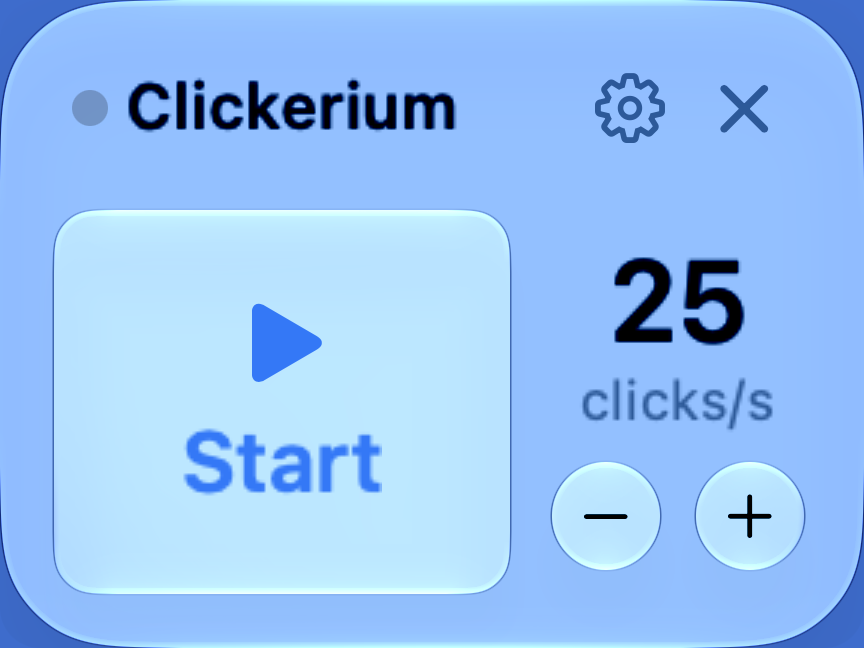
Set up in seconds
Made for macOS
No subscription
Start this demo: the counter stops automatically at 20. In the app, you choose the pace and limit.
Simulation on this page. No clicks are sent to your other apps.Choose a pace, aim your pointer, and press your shortcut. Clickerium repeats clicks until you stop it or reach your chosen click limit.
Adjustable pace
Choose left or right click, then move from 50 clicks per second to one click every 20 minutes.
Always within reach
Start and stop with your shortcut. Add a click limit if you want the session to stop automatically.
No subscription
Try every feature for 7 days, then unlock Clickerium permanently. No hidden monthly fee.
A small floating panel, an adjustable pace, and a start button. No account required.
Choose left or right click, then aim your pointer where you want to click.
From 50 clicks per second to one click every 20 minutes. Add an optional click limit.
Your shortcut keeps you in control, even when Clickerium is in the background.
Clickerium is available on the Mac App Store. Try every feature for 7 days, then unlock them with a one-time purchase. No subscription.
No. Clickerium only automates repeated clicks. It does not record a sequence or replay a series of actions.
Anyone repeating the same click: simple tasks, interface checks, or hand comfort. Reducing repeated movements can also help people with motor difficulties.
No. The full app is available during a 7-day trial, then unlocks with a one-time purchase of €2.99 in France. The price depends on your App Store country and is shown in the app before you buy.
macOS requires this permission to replace manual clicks in other apps. Clickerium uses it only during a session you start and never observes or records your activity.